AI Humanizer
Rewrite AI text to sound natural across essays, code, and emails. Keep the meaning, change the vibe.
How to Humanize AI Text in 3 Steps
1. Paste & Select Mode
Don't settle for generic rewriting. Choose Academic for essays, Code for programming assignments, or Email for work.
2. Click "Humanize Text"
Our engine uses DeepSeek-V3 with advanced "anti-detection" logic to rewrite your content while keeping the original meaning intact.
3. Copy & Pass Detection
Get text that flows naturally. Our output is designed to bypass AI detectors like GPTZero, Turnitin, and Originality.ai.
Why Choose CleanMyAI over Others?
- 🚀 Specialized Code Humanizer
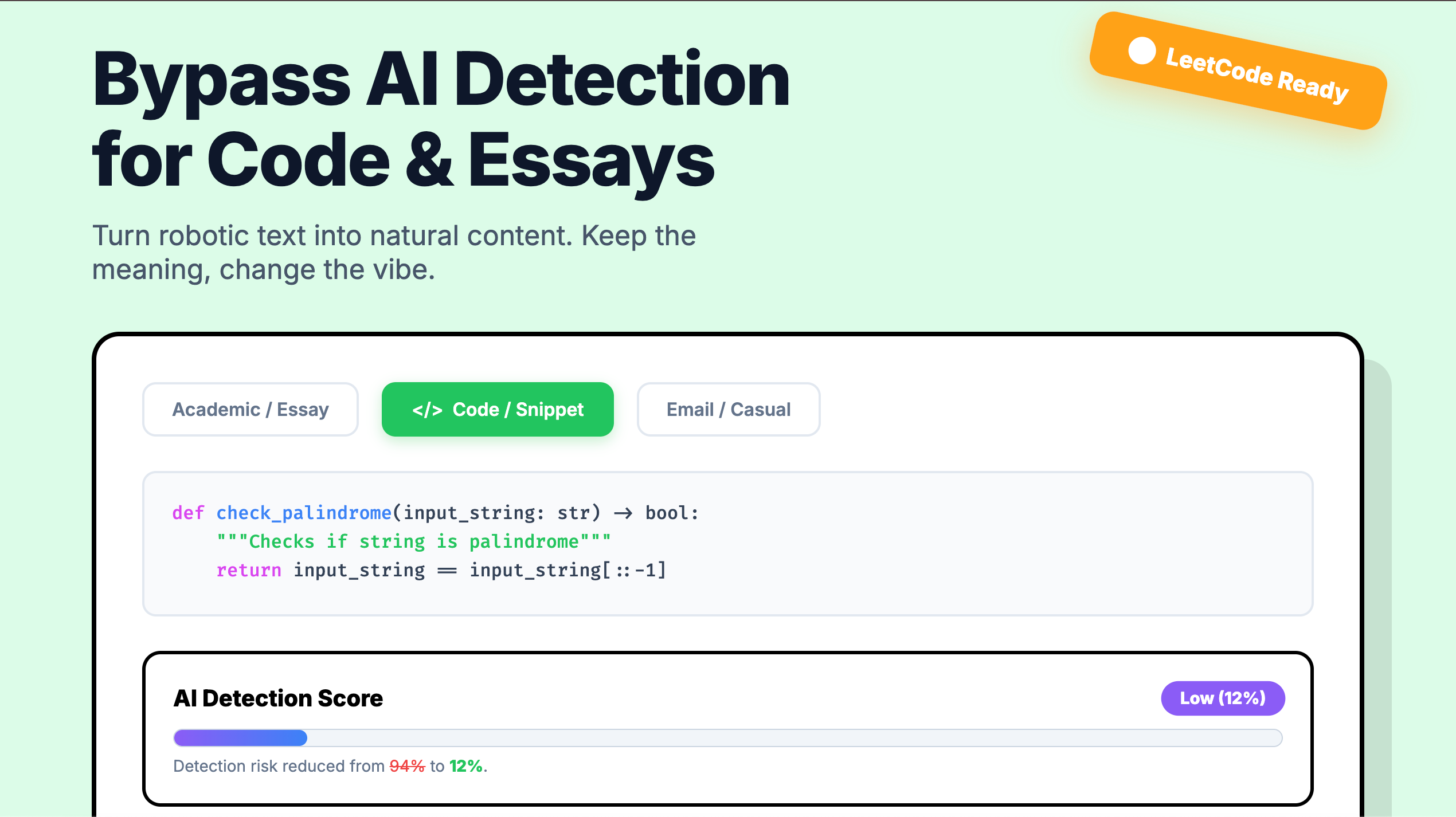
Most tools break your code. We don't. We smartly rename variables and adjust logic structure to make your LeetCode solutions or assignments look hand-written.
- 🎓 Academic Integrity Mode
We keep your specific terminology (citations, technical nouns) while fixing the robotic sentence structures that flag AI detectors.
- ⚡ Free & Fast
Powered by the efficient DeepSeek model, we offer high-quality rewriting without the expensive subscription fees of other platforms.
Code that looks hand-written, not generated.
Intelligently rename variables, simplify logic, and remove robotic comments to bypass LeetCode and OA detection.
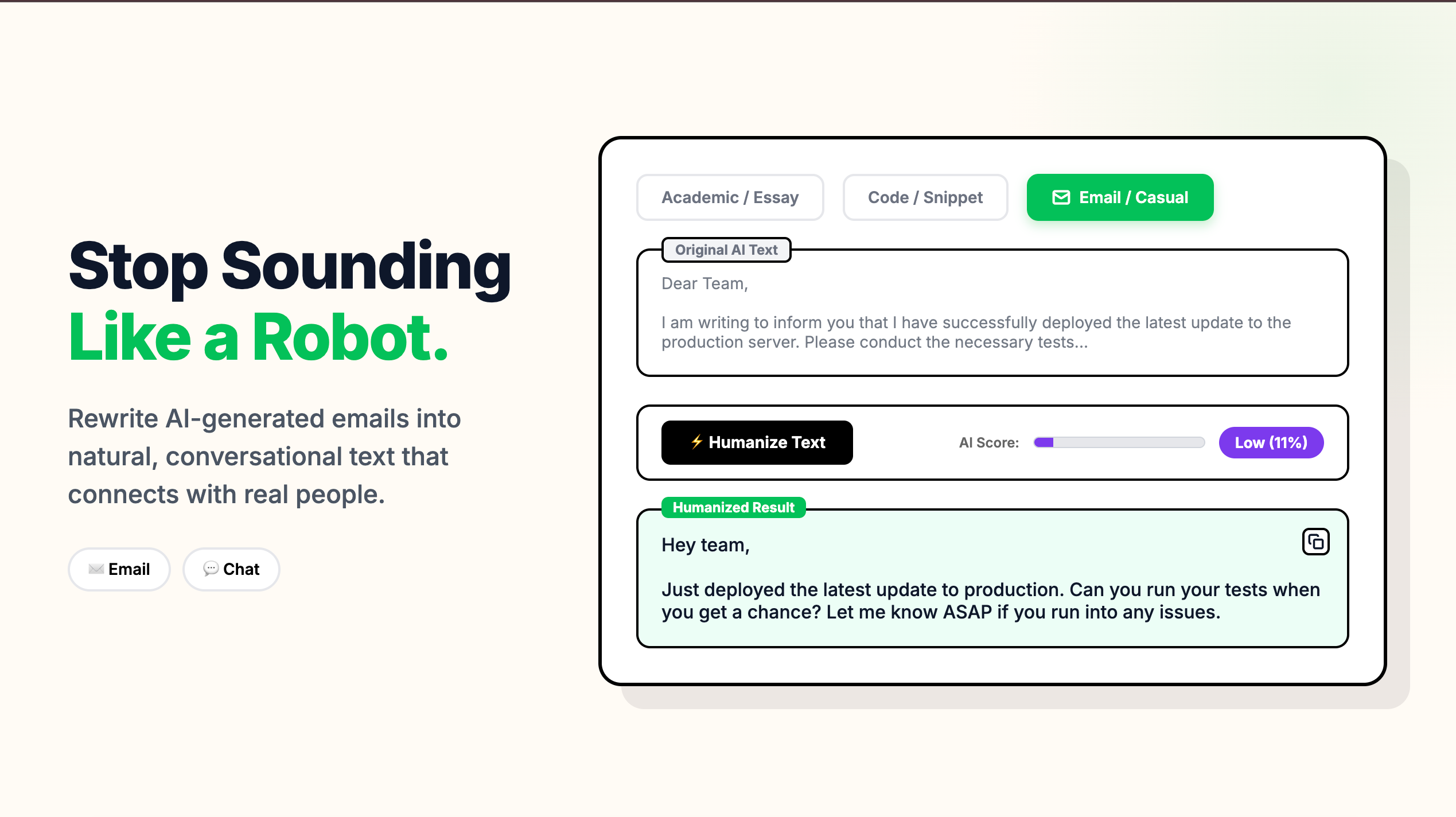
Stop sounding like a robot.
Transform stiff AI formalities into natural, conversational text. Perfect for cold emails, essays, and blogs.